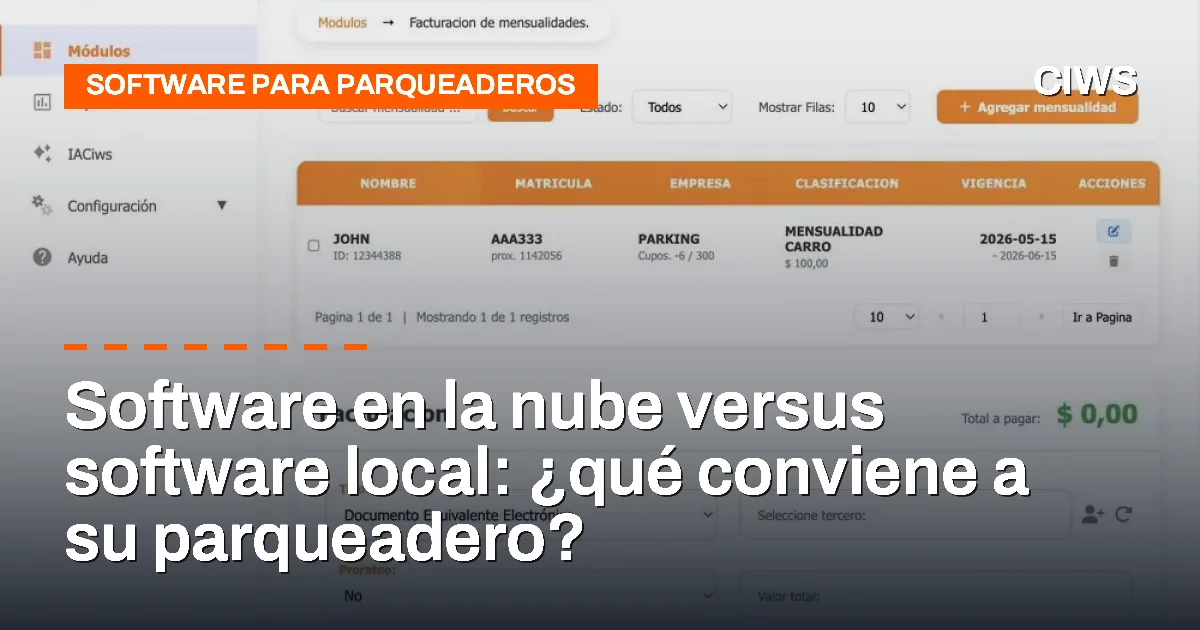
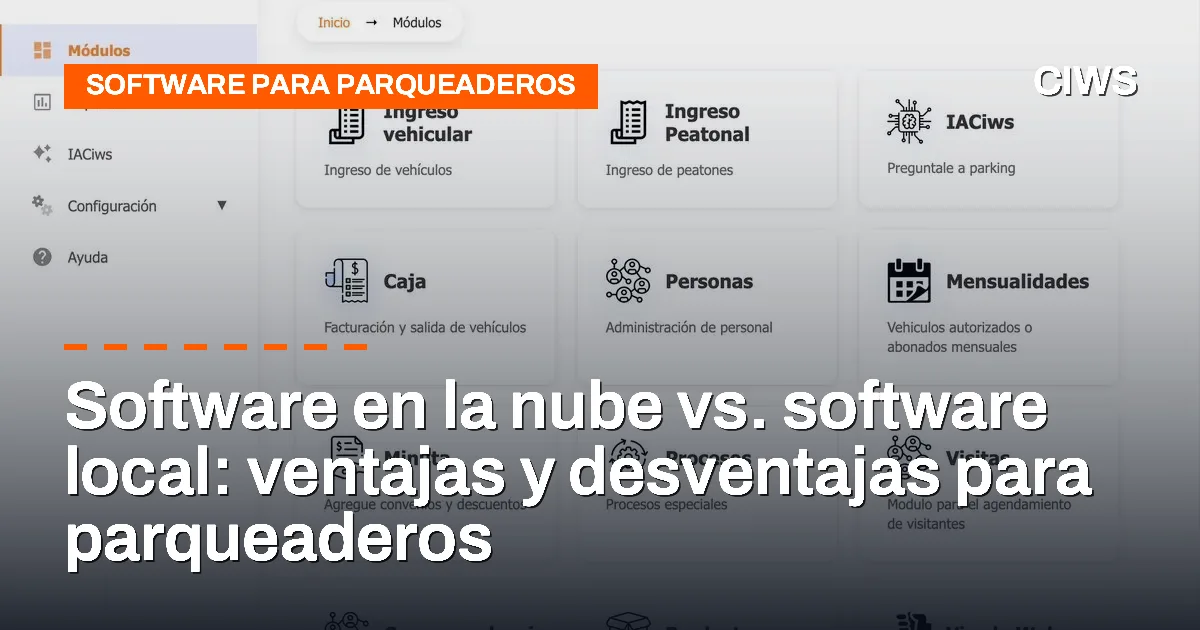
The decision between cloud and on-premise software for parking lot automation depends on several factors specific to each operation. Cloud software offers flexibility and remote access, while on-premise software can provide more direct control over data and operations.
Advantages of Cloud Software
Cloud software allows access from anywhere with an Internet connection. This feature is crucial for parking lot managers who need to monitor or adjust operations without being physically present. Additionally, updates and maintenance are handled centrally, which can reduce internal IT costs.
Automatic Updates
With cloud software, updates are automatically performed by the provider, ensuring the system is always up-to-date with the latest improvements and security patches.
Scalability
Cloud software allows for easy scaling based on the parking lot's needs, adding functionalities or expanding capacity without the need to purchase additional hardware.
Disadvantages of Cloud Software
Despite its benefits, cloud software also has drawbacks. Dependence on a reliable Internet connection can be a hurdle in areas with limited connectivity. Additionally, privacy and data control are common concerns, as data is stored on external servers.
Advantages of On-Premise Software
Locally installed software can offer greater control over infrastructure and data. This can be beneficial for those concerned about data privacy or operating in areas with unstable Internet connections.
Total Data Control
By hosting the software on the parking lot's own servers, there is total control over where and how data is stored, which can comply with specific privacy regulations.
Independence from Internet Connection
On-premise software does not rely on Internet connectivity to function, which can ensure uninterrupted operations in case of connection failures.
Disadvantages of On-Premise Software
The main drawback of on-premise software is the higher initial cost, as it requires an investment in hardware and often involves higher long-term maintenance costs. Additionally, system updates can be more complex and require manual intervention.
Feature Comparison
| Feature | Cloud Software | On-Premise Software |
|---|---|---|
| Remote Access | Yes | No |
| Automatic Updates | Yes | No |
| Data Control | Limited | Total |
| Internet Dependence | Yes | No |
| Initial Cost | Low | High |
What to Consider Before Deciding
Before choosing between cloud or on-premise software, it's important to evaluate aspects such as Internet connection stability, scalability needs, available budget, and data privacy requirements. In cases where privacy and control are priorities, on-premise software might be the right choice.
In summary, the choice between cloud and on-premise software for parking control should be based on the specific characteristics of the operation and the administrator's priorities. Carefully evaluating each option can lead to an informed decision that effectively supports the daily operations of the parking lot.
Frequently Asked Questions
Does cloud software require a constant Internet connection?
Yes, cloud software relies on an Internet connection for its operation and to access all its functionalities.
Is on-premise software more expensive than cloud software?
Generally, on-premise software involves a higher initial cost due to the need for hardware and maintenance, while cloud software has recurring monthly or annual costs.
How does scalability affect the choice between cloud and on-premise?
Cloud software offers greater flexibility for scaling, allowing you to add users or functionalities without infrastructure complications, unlike on-premise software which may require additional hardware investments.