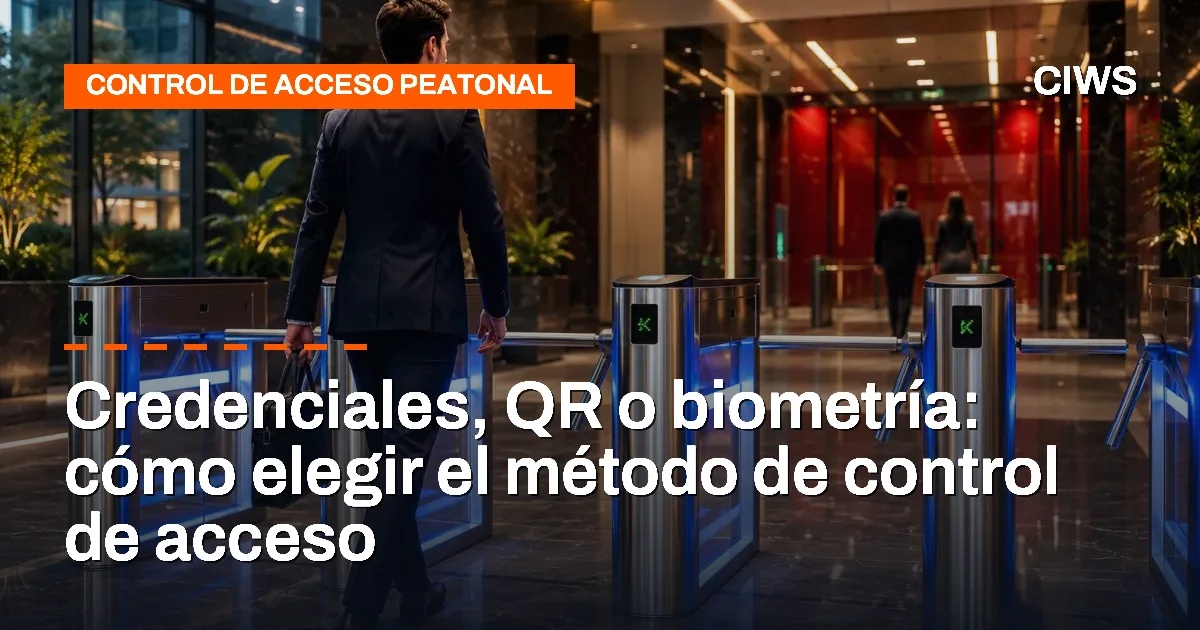
When selecting an access control system, you should consider three main methods: physical credentials, QR codes, and biometrics. Each has advantages and disadvantages depending on the context of use and your company's specific security needs.
Physical Credentials: Simplicity and Familiarity
Physical credentials, such as cards or key fobs, are a traditional access control method. They offer ease of use and are familiar to most people. However, they must be handled carefully: they can be lost or stolen, compromising security. Additionally, their use involves recurring costs for replacement and maintenance.
QR Codes: Versatility and Modernity
The use of QR codes in access control is increasingly popular. They allow for quick and economical distribution, as they can be sent digitally. However, their security depends on preventing unauthorized copying or capturing of the code. They are ideal for temporary events or for access that does not require a high level of security.
Biometrics: Advanced Security
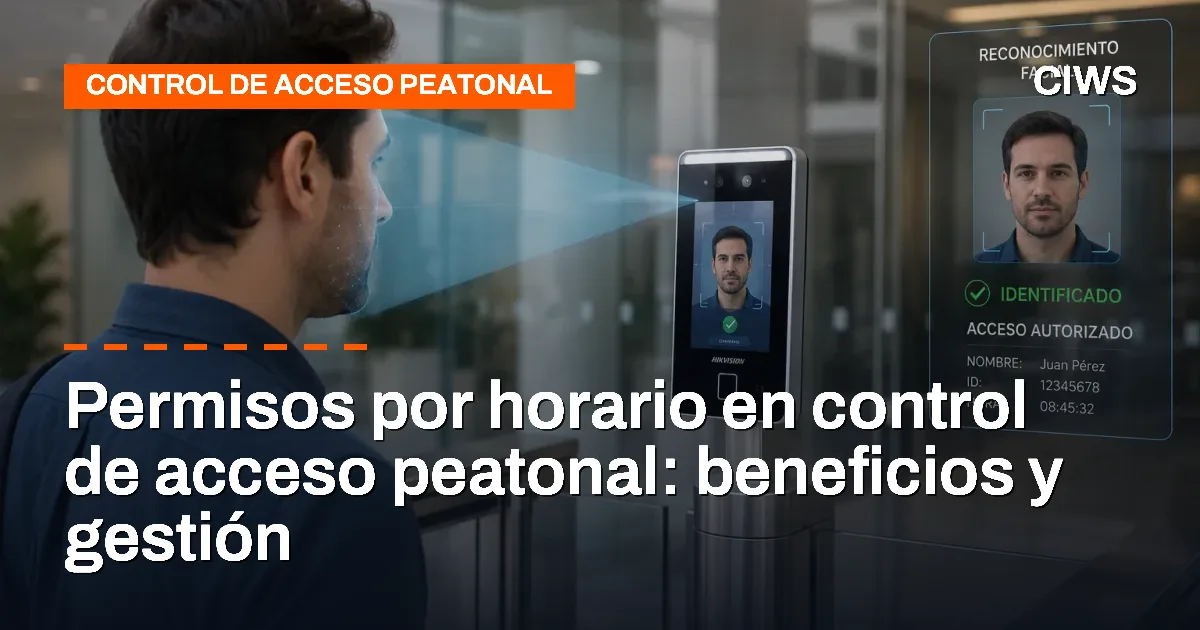
Biometrics, including facial recognition and fingerprints, offer a high level of security by using unique characteristics of each individual. Although their implementation is more costly and complex, they significantly reduce the risk of unauthorized access. They are recommended for high-security areas or where access control must be strictly monitored.
Comparison of Access Control Methods
| Method | Advantages | Disadvantages |
|---|---|---|
| Credentials | Familiarity, low initial cost | Risk of loss, replacement cost |
| QR | Quick distribution, economical | Risk of copying, limited security |
| Biometrics | High security, non-transferable | High cost, complexity |
Considerations Before Deciding
Before selecting an access control method, evaluate the necessary security level, available budget, and existing infrastructure. If security is a priority, biometrics may be the best option. For temporary events or minor access, QR codes might suffice. In environments where cost is a significant factor, physical credentials remain a viable option.
When Not to Use a Method
Do not choose physical credentials if loss or theft is a constant concern. Avoid QR codes in environments requiring high security. Biometrics are not recommended when implementation cost is a limitation or if there are privacy concerns regarding biometric data.
The next step is to assess your environment and define the balance between cost, security, and ease of use, ensuring the selected method aligns with your access control objectives.
Frequently Asked Questions
What is the most secure method for access control?
Biometrics is the most secure method for access control, as it uses unique and non-transferable characteristics of individuals, reducing the risk of unauthorized access.
Which method is more economical for temporary events?
QR codes are more economical for temporary events, as they can be distributed digitally and do not require investment in physical cards.
What are the disadvantages of physical credentials?
Physical credentials can be lost or stolen, compromising security. Additionally, they incur recurring costs for replacement and maintenance.