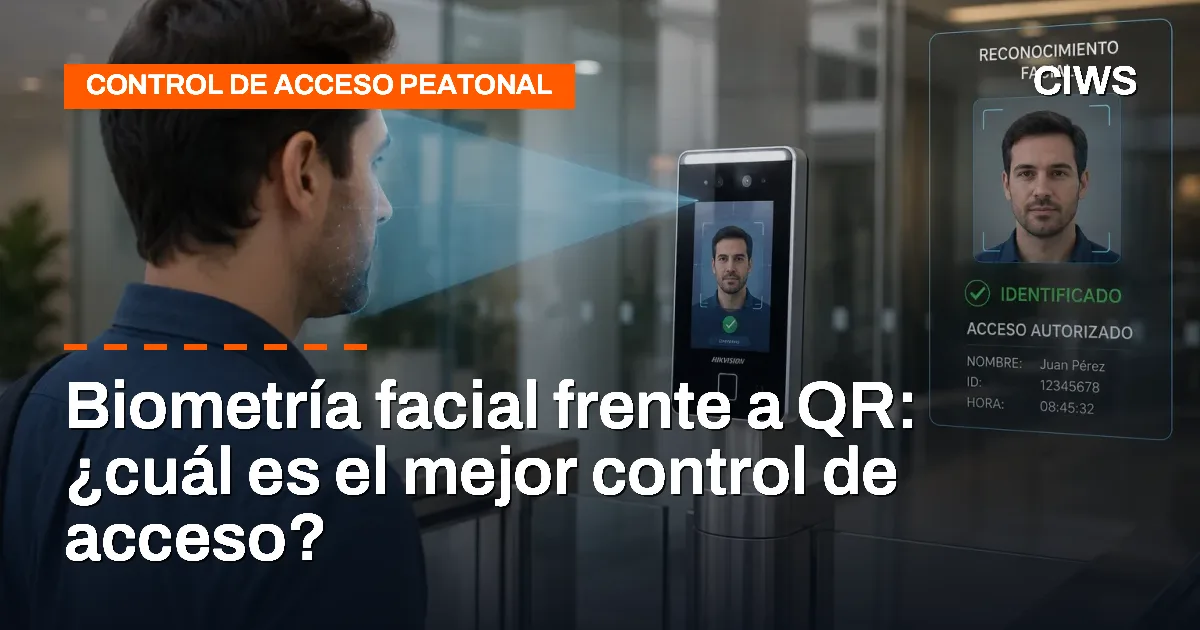
The choice between facial biometrics and QR credentials for pedestrian access control depends on factors like security, cost, and ease of use. Facial biometrics offer a high level of security by identifying unique facial features, while QR credentials are cost-effective and easy to implement.
Advantages of Facial Biometrics
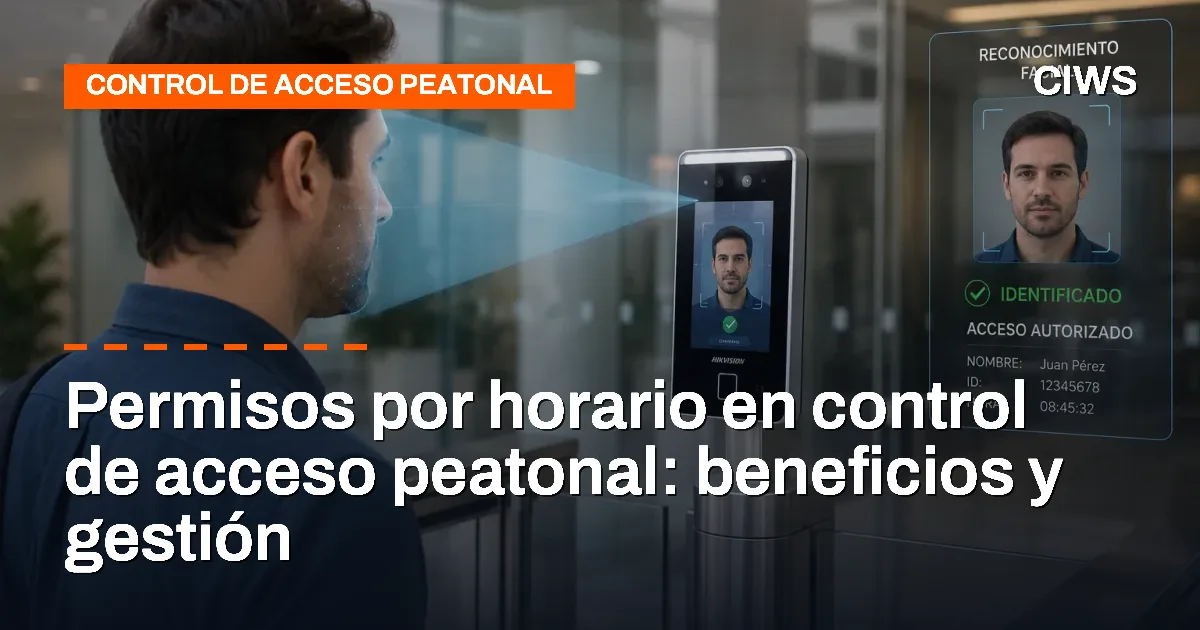
Access control through facial biometrics relies on recognizing unique facial features, significantly reducing the risk of impersonation. This method can achieve up to 98% accuracy under optimal lighting conditions. Additionally, it eliminates the need to carry physical credentials, making it ideal for high-security environments.
Advantages of QR Credentials
QR credentials are a more economical and easy-to-implement alternative. Each code is unique and can be generated and distributed digitally, reducing issuance costs. Moreover, QR-based access control is quick and contactless, making it suitable for temporary events or facilities with high visitor turnover.
Cost and Maintenance Comparison
| Aspect | Facial Biometrics | QR Credentials |
|---|---|---|
| Initial Costs | High | Low |
| Maintenance | Moderate to High | Low |
| Updates | Requires regular updates | Minimal |
Considerations Before Choosing
Before deciding, evaluate access frequency, required security level, and available budget. Facial biometrics are more suitable for companies requiring high security and with a constant flow of employees, while QR credentials are ideal for events or places with temporary access.
When Is It Not the Best Option?
Facial biometrics may not be suitable in environments with low budgets or where employee privacy is a key concern. On the other hand, QR credentials are not ideal for locations requiring highly secure access control and should not be used in environments where the risk of forgery is high.
To determine which access control system is most appropriate, first identify the specific needs of your environment and the required security level.
Frequently Asked Questions
How secure is facial biometrics for access control?
Facial biometrics are highly secure, achieving up to 98% accuracy under optimal conditions, making them ideal for environments with high security requirements.
Can QR credentials be forged?
While it is possible to forge QR codes, their generation and management on secure platforms significantly reduce this risk, making them suitable for temporary or less critical access.
Which is more economical, facial biometrics or QR?
QR credentials are generally more economical due to their low implementation and maintenance costs compared to facial biometrics, which require more advanced technology.
What maintenance does a facial biometrics system require?
Facial biometrics systems require regular maintenance, including software updates and camera calibration to ensure continuous accuracy and security.
Can I use both access control systems in the same place?
Yes, combining both systems can offer a balance between security and convenience, using biometrics for critical areas and QR for general or temporary access.