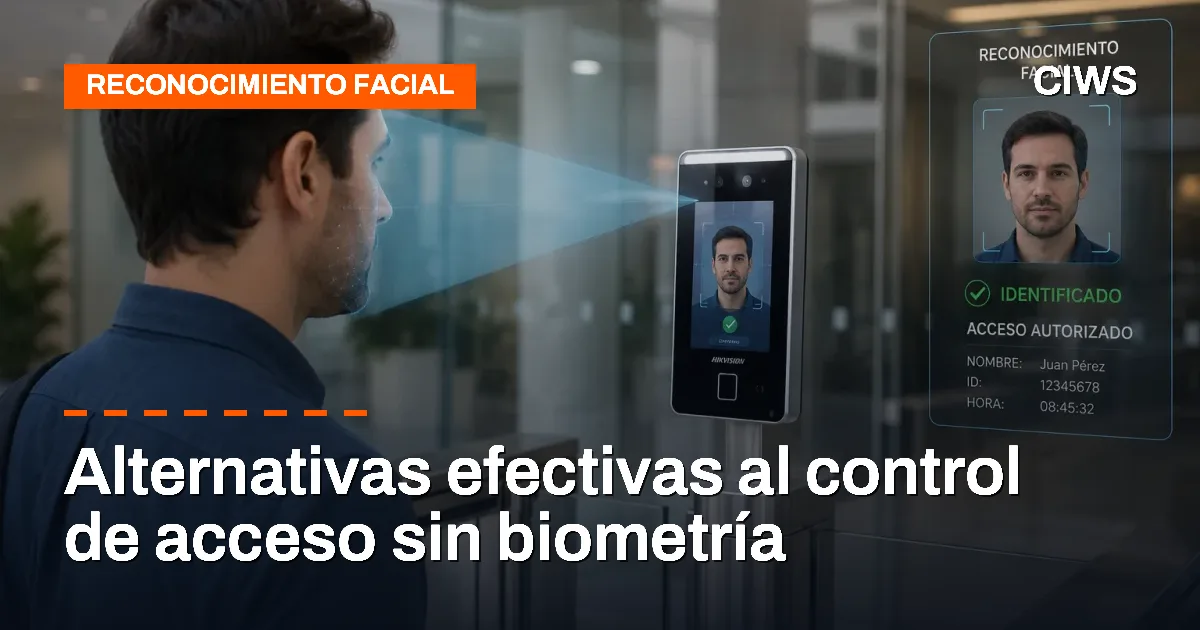

Choosing between facial recognition and fingerprint technology for access control depends on several specific factors within your company, such as the required security level, environmental conditions, and available budget. Both technologies offer security but have key differences in their operation and application.
How Facial Recognition Works
Facial recognition uses algorithms to identify unique features of the human face. This system can recognize a person in less than 500 milliseconds under good lighting conditions and with a suitable quality camera. However, its accuracy may decrease in low-light environments or if the person has significantly changed their appearance.
How Fingerprint Technology Works for Access Control
Fingerprint technology scans the unique ridges and valleys of each fingerprint. This method is highly effective indoors and in controlled environments but may encounter issues if the finger is dirty or wet. Generally, recognition occurs in approximately 300 milliseconds, making it a fast and reliable option under suitable conditions.
Comparison of Facial Recognition and Fingerprint
| Criteria | Facial Recognition | Fingerprint |
|---|---|---|
| Accuracy | 95% with good lighting | 98% in optimal conditions |
| Recognition Time | Up to 500 ms | Up to 300 ms |
| Environmental Conditions | Sensitive to lighting | Sensitive to dirt and moisture |
| Installation | Often more expensive | Generally more economical |
What to Consider Before Deciding
Before choosing a technology, consider the environment where the system will be installed. For outdoor or low-light areas, facial recognition may require higher quality cameras. In indoor or controlled environments, fingerprint technology is a more economical and effective option. Also, evaluate the available budget and your company's specific security needs.
When an Option is Not Suitable
Facial recognition may not be suitable if your environment has constant lighting changes or if a low-cost solution is sought. On the other hand, fingerprint technology may not be the best option in areas where hands tend to get dirty or wet frequently.
To determine the best option for your company, analyze the advantages and limitations of each technology based on your specific needs and the environment where it will be implemented.
Frequently Asked Questions
How much energy does a facial recognition system consume?
Energy consumption depends on the type of cameras and processors used, but it is generally higher than that of a fingerprint system due to intensive image processing.
How secure are fingerprints against forgery?
Fingerprints are quite secure, but there are methods to forge them. However, modern systems include anti-spoofing technologies to detect imitations.
Does facial recognition work with masks?
Most current facial recognition systems struggle to identify people wearing masks, although some advanced systems can partially adapt.
See also: Facial Recognition and Biometrics.